Appearance
Getting Started with Podseo
Welcome to Podseo, your go-to platform for podcast competitive intelligence and SEO insights! This guide will help you quickly set up and start analyzing your podcast's performance.
1. Create an Account
To access Podseo features:
Visit our signup page.
Enter your email address and accept the terms, or choose Sign up with Google.

Already have an account? Log in with a sign-in code sent to your email, your password, or Google.
2. Add Your Podcast
After logging in, you'll see the "Select Your Podcast" screen. Click Find Your Podcast to search for your show.

Search using your podcast's name, its Apple Podcasts or Spotify link, or its RSS feed URL, then select it from the results. PodSEO finds shows through their Apple Podcasts listing, so make sure your show is listed there. Not launched yet? See Pre-launch Planning (ready soon).
3. Complete the Onboarding Wizard
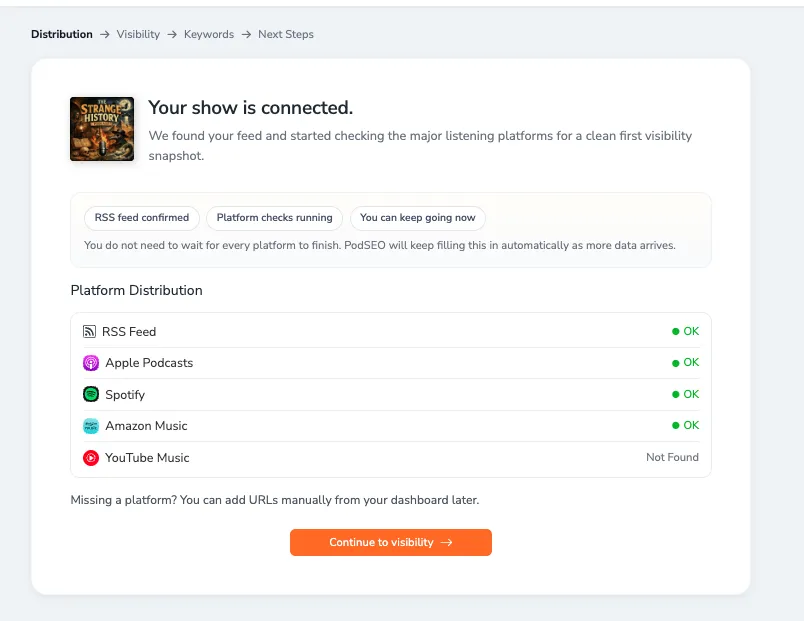
Once you select your podcast, PodSEO walks you through a guided setup with three steps:
Distribution — PodSEO connects your RSS feed and checks your presence across Apple Podcasts, Spotify, Amazon Music, and YouTube Music. You'll see which platforms found your show and can continue while checks finish in the background.
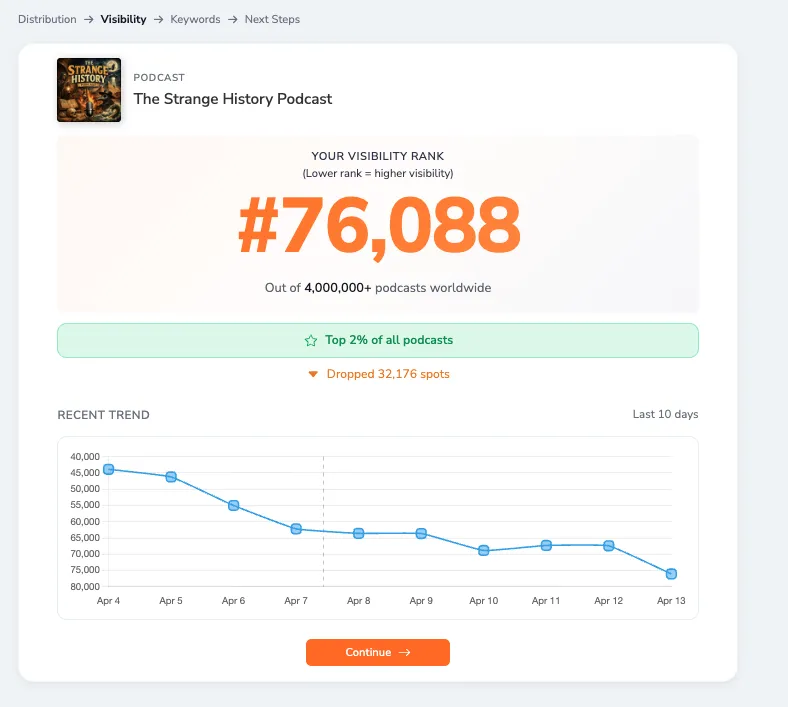
Visibility — Your initial Visibility Score is calculated, giving you a baseline of how discoverable your podcast is across platforms.
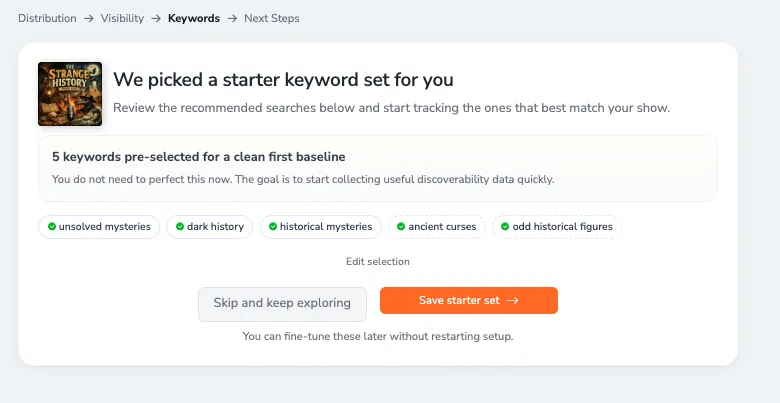
Keywords — PodSEO suggests initial keywords based on your podcast's content. You can review and adjust these to start building your keyword strategy.
After the Keywords step, you land in the Command Center — your home base in PodSEO.
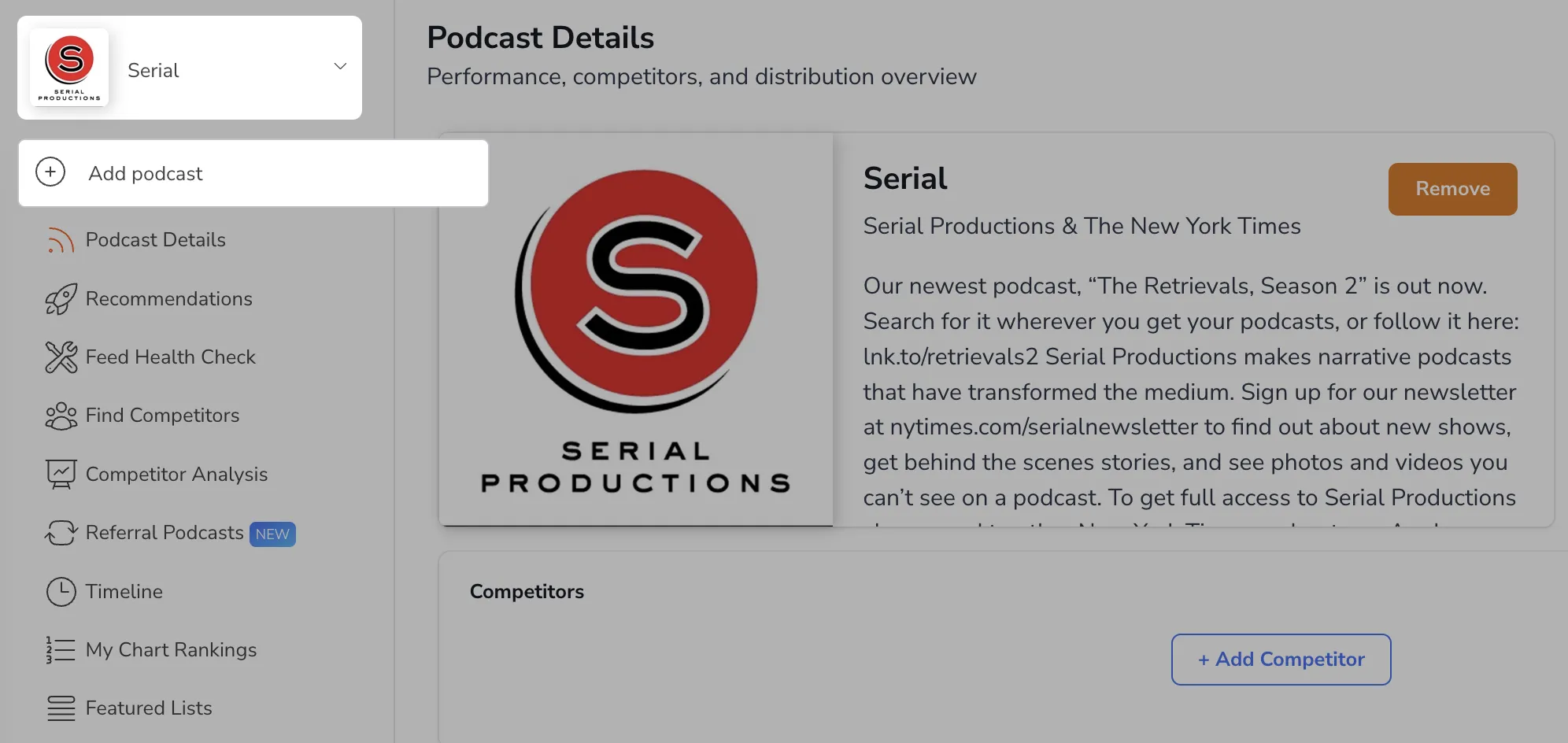
Your plan includes a set number of podcasts (Producer includes 5 and Agency 15). On any paid plan you can also buy extra podcasts with Add extra podcasts in Settings → Account; see Billing and Account Settings. Use the podcast selector at the top of the sidebar to switch between podcasts, and choose Manage podcasts there to add or remove podcasts in Settings → Podcasts.
Keyword rankings are collected as a listener in the United States would see them. If your audience is mainly elsewhere, paid plans let you add search countries per podcast under Settings → Podcasts; see Keyword Tracker for details.
4. Connect Your Analytics
Bring your listening numbers into PodSEO so you can see them next to your rankings. Click Analytics in the sidebar and connect the sources you use: Spotify for Creators, Apple Podcasts Connect, YouTube, your host (Spreaker or Buzzsprout today), OP3, or PodSEO's own hopr.fm download prefix. Every connection is free on every plan, and each tab walks you through the setup step by step. See Analytics Connections.
5. Explore Key Features
Once setup is complete, PodSEO opens to the sidebar navigation where all features are organized in a flat, easy-to-browse layout. Start with the Command Center and explore from there:
Command Center — Your dashboard home showing health signals, tasks, and insights. Start here every session.
Planner — Plan episodes, check metadata/keyword alignment, and get AI-powered optimization suggestions. Access from Command Center.
Keyword Strategy — Define your SEO strategy with Primary, Secondary, and Monitored keywords. Found under Search Visibility.
Show Visibility & Episode Visibility — See where your podcast and individual episodes rank for keywords across platforms. Found under Search Visibility.
AI Mentions — Track how often AI platforms like ChatGPT, Claude, Perplexity, and Gemini recommend your podcast. Found under AI Visibility.
Competitive Analysis — Compare your podcast with competitors. Found under Competition.
LUCIA AI Chat — Chat with your personal SEO expert. Access via Chat in the sidebar.
6. Need Help?
Browse our Help Center for tutorials and FAQs, including our detailed keyword workflow guide.
Learn more about how the Visibility Score works.
Contact support via Settings → Contact Us.
Something not working? See Troubleshooting.
Start optimizing your podcast's SEO today with Podseo. For detailed guides and advanced tips, check out our comprehensive feature documentation and academy resources.
Not live yet? Pre-launch planning is ready soon; see Pre-launch Planning. Working with colleagues or clients? Set up Teams and Organizations, then explore the Agency workspace on the Agency plan.